6-Angle AI Product Photography Studio
Create six separate product views from one reference. Review consistency, download individual images or the set, and send a chosen frame to video.
What you get
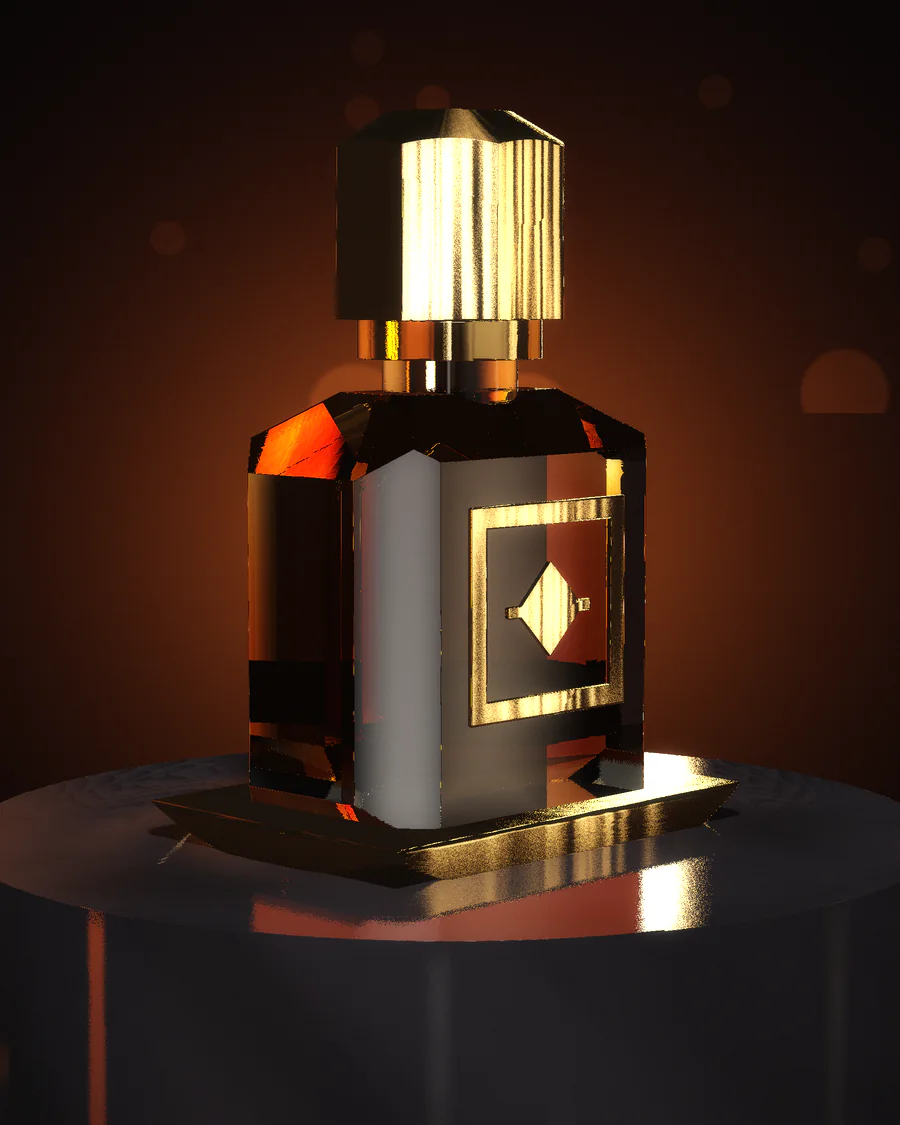
A reference image becomes a set of separate views. Review the front, side, angled and high or low shots provided for the batch. Download the frames individually or together, or use a single view as the start of a video.
Start with an accurate reference
Choose a photo that shows the full silhouette and the product's actual colors. Use even light and remove distracting props. In the prompt, specify which parts must stay fixed such as the label position, lid shape or clothing details.
Choose the views you can use
Compare proportions and text with the source before adding images to your store. A generated angle can invent details on an unseen side. Keep the useful views and make a real photo of any feature that is essential to show accurately.
Common questions
Will I get separate image files?
Yes. You can download selected views or use the grouped ZIP download.
Can a view become a video?
Yes. Send the selected view to the video studio as a reference frame.