AI Ad Generator for E-commerce
Start with a product URL or photo and plan a short e-commerce ad. Verify the product details and quote before you generate a clip in TRIKO.
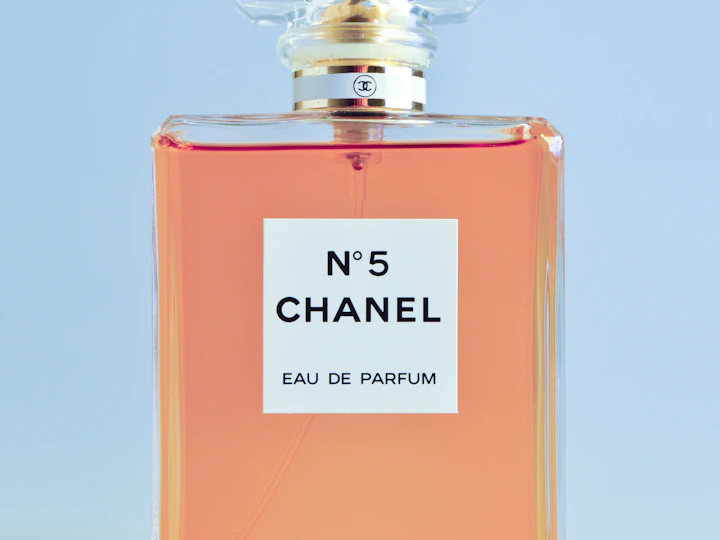
Start from the actual product
Paste a public product page URL to fetch available names, images and prices. If the page does not expose those details, fill them in and upload your own reference. Verify the offer and the product variant before drafting copy.
A practical ad brief
For perfume: open with a close shot of the bottle and a side reflection, cut to a wider shot that establishes scale, then add the offer and call to action in editing. Begin with one vertical test for Reels or TikTok so you can judge the opening seconds before spending more.
Check the claims and the product
Put exact prices, Arabic lettering and time-sensitive offers in the edit, where they can be corrected. Compare the finished shot against the original photo. Inspect color, label, and packaging changes before publishing it as a commercial image.
Common questions
Can I start with a store URL?
TRIKO attempts to read public product details. If the store does not expose the data, complete the name and reference manually.
Does TRIKO publish ads automatically?
You can download the asset, review it, and publish through your own advertising channel.